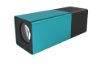
Some of you have asked us for raw samples of LFP-files, so you can play around with them before you get your own Lytro LightField Camera.
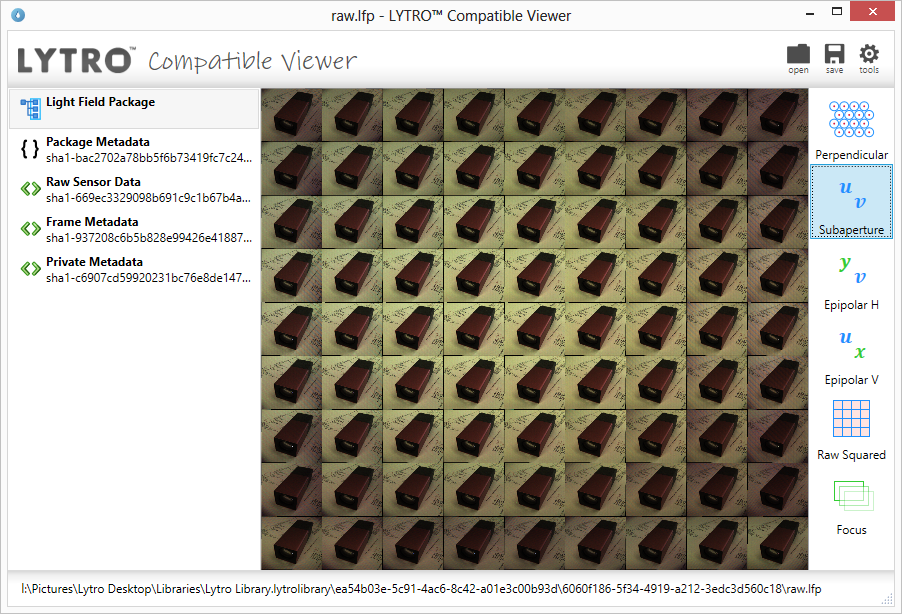
The camera saves images in the LFP file format, such as IMG_0001.lfp. These files contain all the raw data and some additional Metadata.
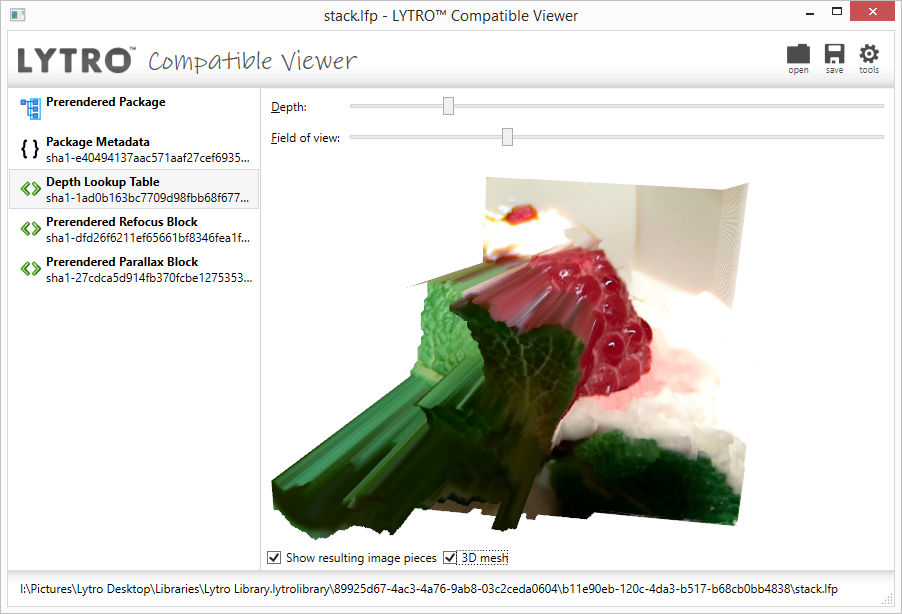
When you import the images to the Lytro Desktop Software, files named according to the scheme IMG_0001-stk.lfp are created. These are basically your “developed” and compressed LightField pictures that allow for quick, resource-saving refocussing.
With these files and the right tools, you’ll be able to extract the raw photo data, metadata and stack JPEGs: Continue reading